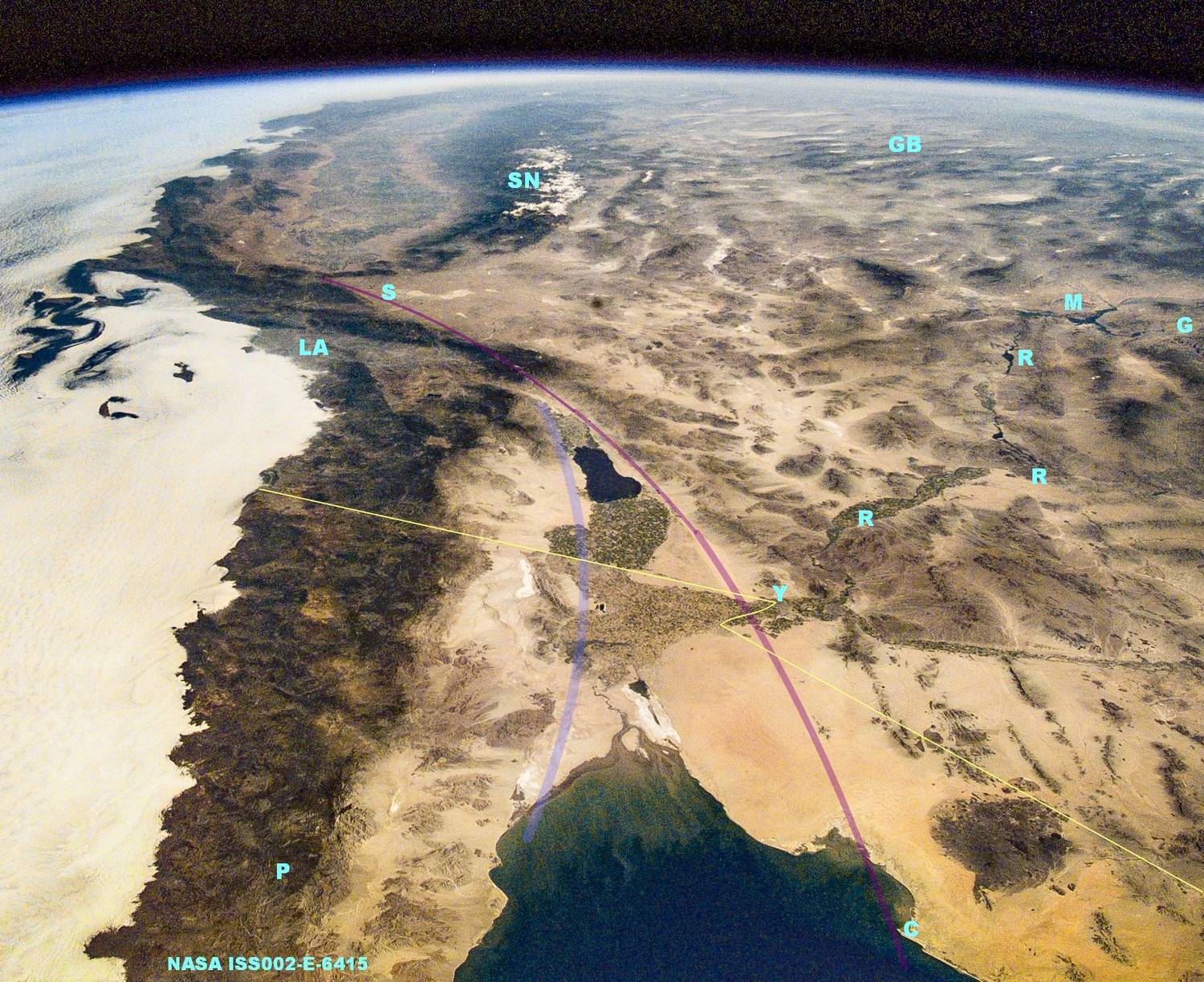
Stereo Test
My project is a website on the geology of some fascinating volcanoes in Mexico. I have found that there is ever so much more information in the third dimension, posting stereo images is important. Link to the website
Here is a link to a gallery of images in a tool called Fancybox 2. Their native resolution is 1200 px wide but will render to whatever width your monitor and browser are set for. Most of these images are stereo pairs made from slides shot out of an airplane years ago and scanned to jpegs. Some are photos of rock textures made recently by shifting the camera for multiple shots. They were all combined using "StereoPhoto Maker" by Masuji SUTO and David Sykes.
View them by positioning your head so that a line from between your eyes hits the center of the pair perpendicular to the monitor face. Cross your eyes like you did when you were a kid, move both head and eyes to make three images, the one in the middle should pop out as 3D. This website has simpler images to practice on.
There are no captions, you can set your eyes and scroll through the images with your mouse wheel. Unfortunately, the mouse cursor must remain within the image area for this to work. I would appreciate feedback on your experience as a user.